|
Search and Filter Class Records
In the upper left side above the “Class Name” column, there is a search class box. If you have multiple classes, it may be quicker to type the name of the class you are wanting to find in the search bar.
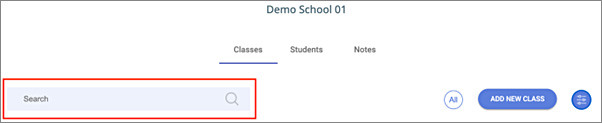
Figure 80: The Search for class control. Start typing the name of the class to filter down the classes displayed in the grid list
Additionally, there is a “Filter by” blue circle button on the right side of the “Add New Class” button.
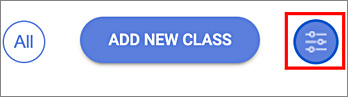
Figure 81: The class category dropdown control
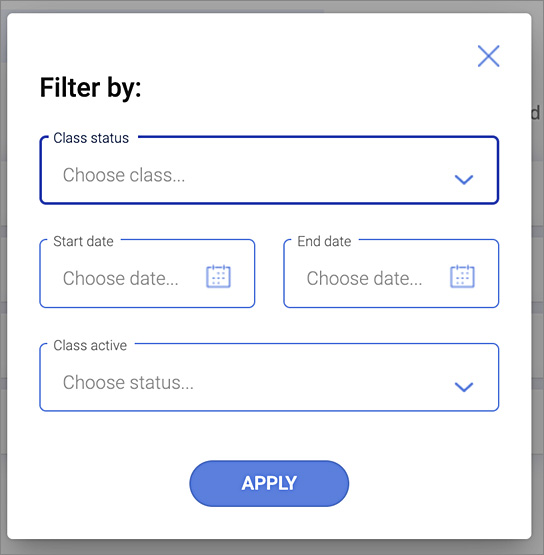
After selecting this button, you can filter your classes by:
❖Class status
ØCreated
ØCommenced
ØTeaching completed.
ØAll requirements completed.
❖Start and end dates.
❖Class active
ØYes
ØNo
This initiative is supported by funding from the
Queensland Government's Community Road Safety Grants scheme.
|

