|
Teacher: Quizzes
After a module has been completed a quiz will be available for each student in that class to complete. In total there are six quizzes for students to complete.
Each quiz has an introduction page that goes over the content of the module you have just taught the student .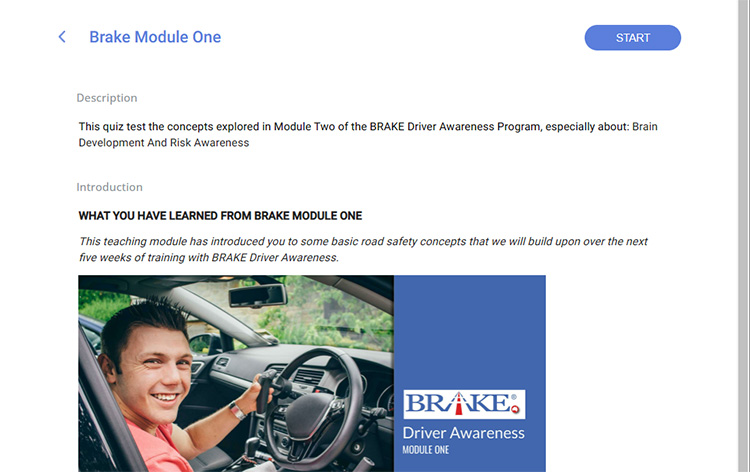
They consist of five-multiple choice questions.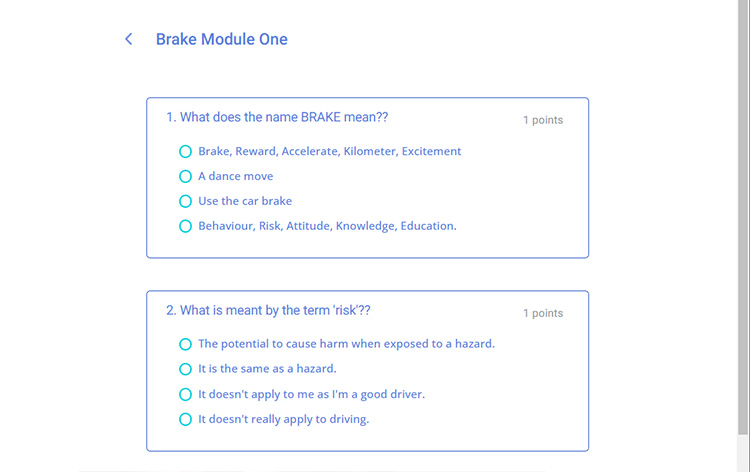
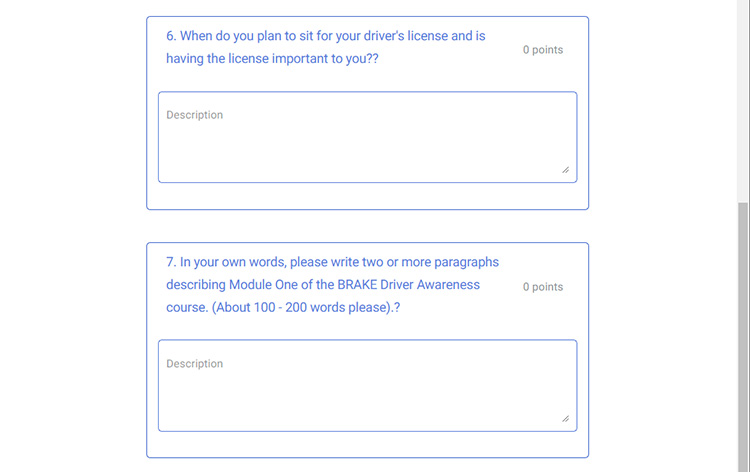
Finally there are two short answer-response questions of between 10 and 200 words.
It is beneficial to each students learning that they complete these quizzes.
Teacher and School Admin
Teachers and School admins can monitor each student's progress for each quiz as you complete the program.
On your BOS homepage, click on the Quizzes heading in your side menu.
After completing Module One, you should see the BRAKE Module One Quiz name. You can track what percentage of students have opened, started, failed or passed the quiz.
View each student's progress by clicking the drop-down arrow near the quiz title.
.svg)
Each student from the class will be listed. A green tick will be present in the opened and started columns if they have opened that Modules quiz and started. The column will be empty if a student has not opened or started the quiz.
A student passes the quiz if they correctly answer 3 out of 5 multiple choice questions.
A student's grade will appear in your Finished successfully column if they pass. If students fail the quiz, their results will appear in your failed column.
If a student has failed, please encourage them to retake the quiz.
Once a student passes the quiz, their previous grade is deleted, and their new results appear.
This initiative is supported by funding from the
Queensland Government's Community Road Safety Grants scheme.
|

